Windows 11 Pro | Download Windows 11 | Create Bootable Flash Drive Windows 11 (All Versions)
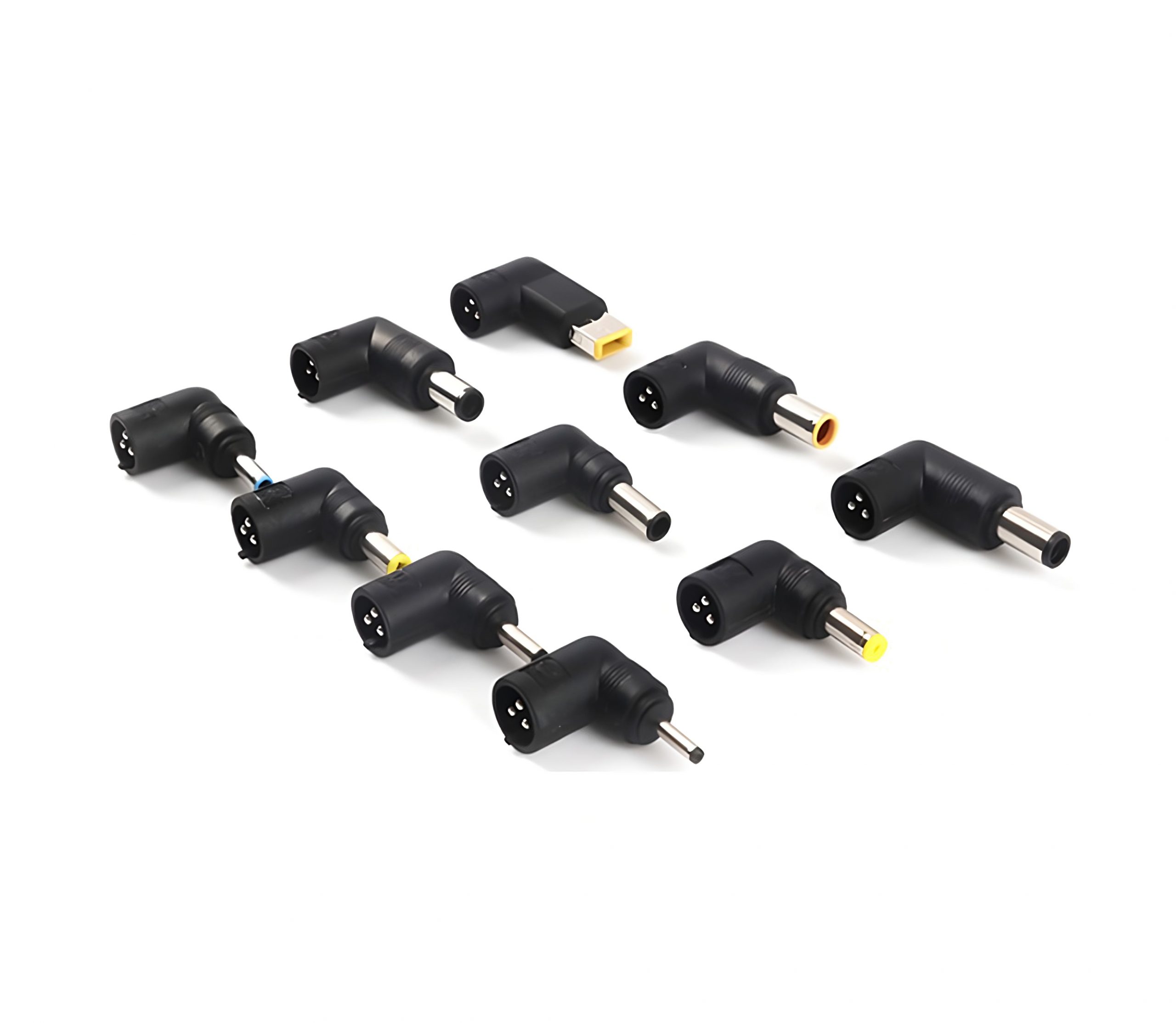
“65W 45W AC Power Adapter Laptop Charger for Lenovo IdeaPad Flex 4 5 6 1470 1480 1570 1580 and more, Tip Size: 4.0 X 1.7mm” has been added to your cart. View cart
Windows 11 Pro | Download Windows 11 | Create Bootable Flash Drive Windows 11 (All Versions)
Procedure to Activate Windows 11 Home, Windows 11 Pro is almost the same.
How to Activate Windows 11
Launch the Settings app and navigate to the System You can see a message from the right section saying “Windows isn’t activated”. Just click the Activate now button to continue.
Under the Change product key section and click Change.
Enter your Windows 11 (Home/Pro) activation code and click Next.
If you have a Windows 11 Pro product key
Select Start > Settings > System > Activation.
Select Change product key, and then enter the 25-character Windows 11 Pro product key.
Select Next to start the upgrade to Windows 11 Pro.
OR Copy and Paste the following command in your browser URL.
Our Store (A's Computers, Store: B27 - B28) at Fantastic Indoor Swapmeet Opens only Fri, Sat & Sun 10AM-6PM. And we offer 24/7 Home Order Pickup. Dismiss











Reviews
There are no reviews yet.