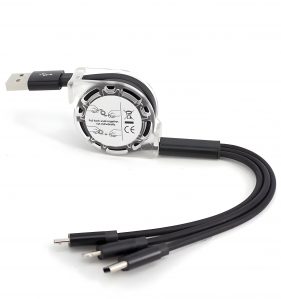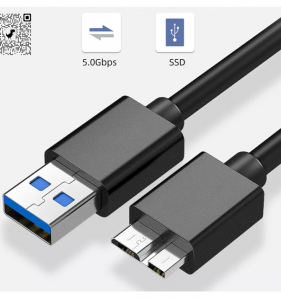
“High Quality USB 3.0 to Micro B Cable, USB Type Micro B to USB Type-A Hard Drive Cable, High Speed Data, Charging & Sync., 3.3Ft.” has been added to your cart. View cart
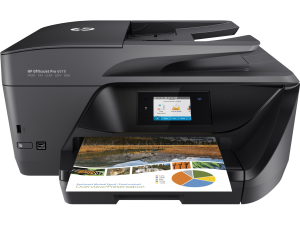
Install a Printer | Download Printer Drivers | Software and Drivers for Printers | How To Setup a Printer
To install or add a local printer
Method 1:
Select Start > Settings > Bluetooth & devices > Printers & scanners . Open Printers & scanners settings.
Next to Add a printer or scanner, select Add device. Wait for it to find nearby printers, then choose the one you want to use, and select Add device.
Method 2: In the Windows search box, type “Printer,” Then you will see Printer & Scanners (System Settings), Click Printer & scanners, then select Add Device. Select your printer when you see it appear, then follow any additional instructions to install the printer driver.
Our Store (A's Computers, Store: B27 - B28) at Fantastic Indoor Swapmeet Opens only Fri, Sat & Sun 10AM-6PM. And we offer 24/7 Home Order Pickup. Dismiss
Reviews
There are no reviews yet.