“HDMI Coupler, 8K HDMI Adapter Female to Female HDMI Connector, 3D, HDMI Extender Compatible with Smart TV, Roku TV, Fire Stick, Chromecast, Xbox One, PlayStation, Nintendo Switch, Laptop, Desktop, Projector and More” has been added to your cart. View cart
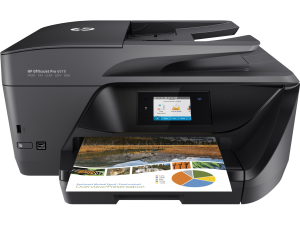
Install a Printer | Download Printer Drivers | Software and Drivers for Printers | How To Setup a Printer
To install or add a local printer
Method 1:
Select Start > Settings > Bluetooth & devices > Printers & scanners . Open Printers & scanners settings.
Next to Add a printer or scanner, select Add device. Wait for it to find nearby printers, then choose the one you want to use, and select Add device.
Method 2: In the Windows search box, type “Printer,” Then you will see Printer & Scanners (System Settings), Click Printer & scanners, then select Add Device. Select your printer when you see it appear, then follow any additional instructions to install the printer driver.
Our Store (A's Computers, Store: B27 - B28) at Fantastic Indoor Swapmeet Opens only Fri, Sat & Sun 10AM-6PM. And we offer 24/7 Home Order Pickup. Dismiss
Reviews
There are no reviews yet.