| | | | | | |

Difference Between a TS and a TRS Cable?

TS cable only processed unbalanced and mono audio, a TRS cable is capable of balanced audio in both mono and stereo format. The noticeable difference between the two types of cables is that the TS cable has one ring on the tip, whereas the TRS cable has two rings. A guitar uses a TS cable….

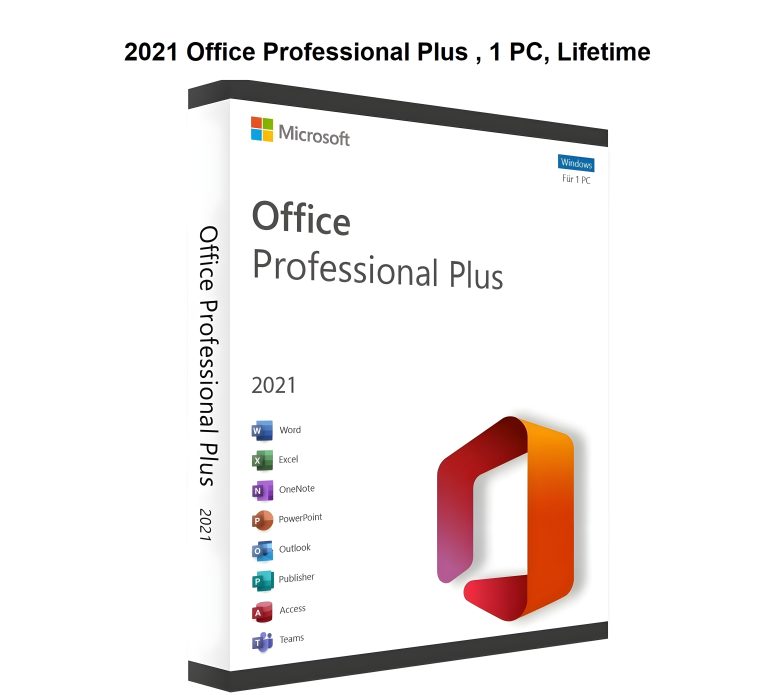
Microsoft Office 2021 Professional Plus
| |

Microsoft Office 2021 Professional Plus

Download, Installation & Activation Guide Classic apps for business When you have subscription already: Method 1: Video Support: Method 2: Method 3: Setup Official Subscription: Step 1: Go to www.office.com/setup Step 2: Sign in with your Microsoft account, or create one if you don’t have one. Be sure to remember this account so that you can…

MacOS Compatibility, Latest MacOS, What version of macOS can my Mac run?
| |

MacOS Compatibility, Latest MacOS, What version of macOS can my Mac run?

macOS Tahoe (version 26) macOS Tahoe (MacOS 26). macOS Tahoe is compatible with the following Mac models. (Release Date: September 15, 2025) https://support.apple.com/en-us/122867 Sequoia Compatibility macOS Sequoia (MacOS 15). macOS Sequoia is compatible with the following Mac models. (Release Date: September 16, 2024) https://support.apple.com/en-us/120282 Sonoma Compatibility MacOS Sonoma (MacOS 14). macOS Sonoma is compatible with…

Useful Commands | Keyboard Shortcuts
| |

Useful Commands | Keyboard Shortcuts

Shutdown During Windows Initial Setup At that initial setup screen, press the Shift + F10 key · At the Command Prompt, type shutdown/s Emergency Restart Check if your computer has an HDD or SSD Win + R then type dfrgui and Press OK. Command Line Factory Reset In the Command Prompt window, type systemreset -factoryreset ↵ You can also reset your…

SanDisk SecureAccess Software, SanDisk Password Protection
|

SanDisk SecureAccess Software, SanDisk Password Protection

SanDisk SecureAccess 3.02 Support Information and Download https://kb.sandisk.com/app/answersweb/detailweb/a_id/2399 SecureAccess Quick Start Guide How To Use SecureAccess SecureAccess V3.02 Application for PC and Mac:– Download for PC (8MB)– Download for Mac (13MB) System Requirements– Microsoft Windows® 11, Windows®10, Windows® 8, Microsoft Windows® 7, Windows Vista®– Mac OS® X 10.7+ Note: SecureAccess is not supported on APFS drives

End of content

End of content