iPhone Cases:
Similar Size: iPhone 15Plus == iPhone 14Plus
Screen Protectors:
Similar Size: iPhone XR & iPhone 11
Our Website is under Development. Please Call us at 786-862-1269 Or Visit our store at Fantastic Indoor Swapmeet Store B27-B28, 1717 S Decatur Blvd, Las Vegas, 89102. Opens Fri, Sat & Sun 10AM-6PM. And we offer 24/7 Home Order Pick up. Thank you

iPhone Cases:
Similar Size: iPhone 15Plus == iPhone 14Plus
Screen Protectors:
Similar Size: iPhone XR & iPhone 11
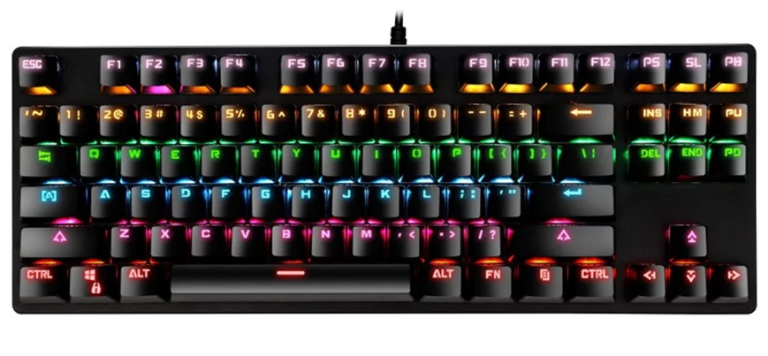
Shutdown During Windows Initial Setup At that initial setup screen, press the Shift + F10 key · At the Command Prompt, type shutdown/s Bypass Windows 11 Internet Requirement At that initial setup screen, press the Shift + F10 key · At the Command Prompt, type OOBE\BypassNRO.cmd Command for Battery Report In the Command Prompt window, type powercfg/batteryreport ↵ Emergency Restart Check if your computer has an…
TS cable only processed unbalanced and mono audio, a TRS cable is capable of balanced audio in both mono and stereo format. The noticeable difference between the two types of cables is that the TS cable has one ring on the tip, whereas the TRS cable has two rings. A guitar uses a TS cable….
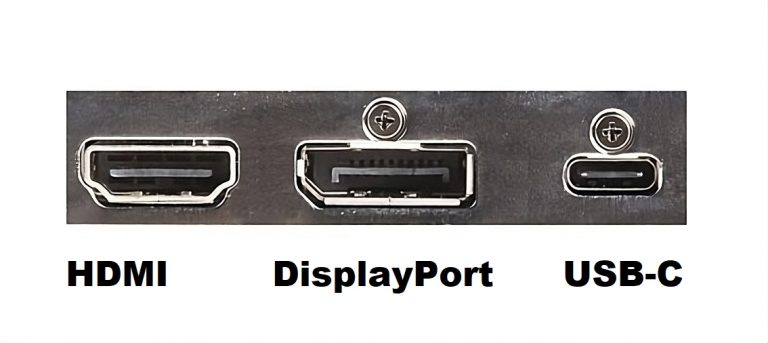
UEFI: Unified Extensible Firmware InterfaceGaN: Gallium NitrideHDMI: High-Definition Multimedia InterfaceeARC: Enhanced Audio Return Channel. ARC works with HDMI versions 1.4 and up, while eARC requires 2.0 or higher. CMOS: Complementary metal–oxide–semiconductorVMD (Volume Management Device) Controller, is a feature that manages NVMe SSDs connected to Intel Xeon CPUs.Ah, stands for ampere-hour, a unit that measures a…
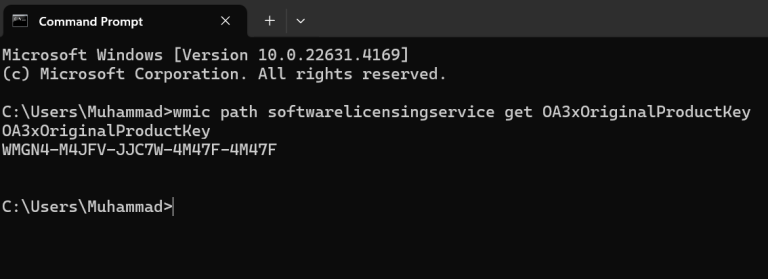
Open Command Prompt and Typewmic path softwarelicensingservice get OA3xOriginalProductKey How to Find your Windows 10/11 Product Key by Using the Command Prompt?Step 1: Type ‘cmd’ in the search box on the Taskbar. Step 2: Right click on the ‘Command Prompt’ at the top, and then click on ‘Run as Administrator.’ Step 3: Type the command…
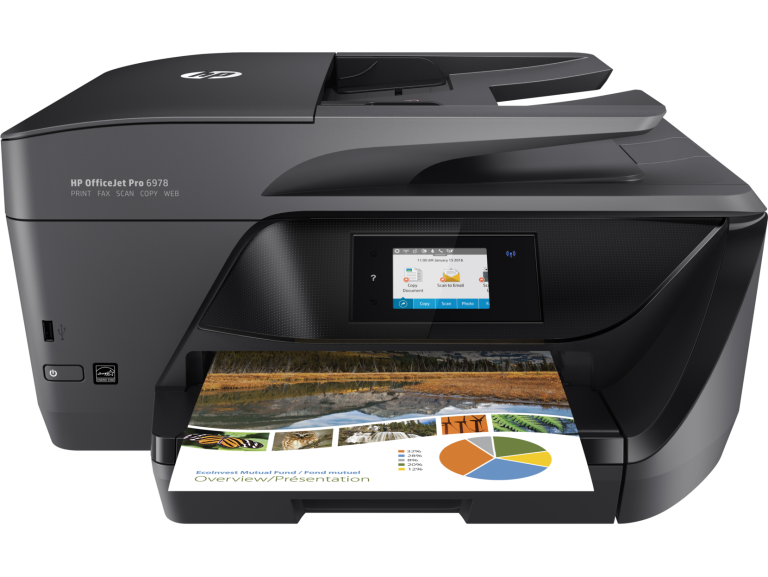
Install a Printer | Download Printer Drivers | Software and Drivers for Printers | How To Setup a Printer To install or add a local printer Method 1: Method 2: In the Windows search box, type “Printer,” Then you will see Printer & Scanners (System Settings), Click Printer & scanners, then select Add Device. Select your printer when you see…
Don't have an account yet? Sign up
No items in your cart. Go on, fill it up with something you love!
Start Shopping Now